Email
Email
 Facebook
 X
X
 Copy Link



 Proudly Canadian-Owned

USB Type C connectivity for an effortless connection
Dialpad for snug navigation
Offers plug and play interface PC
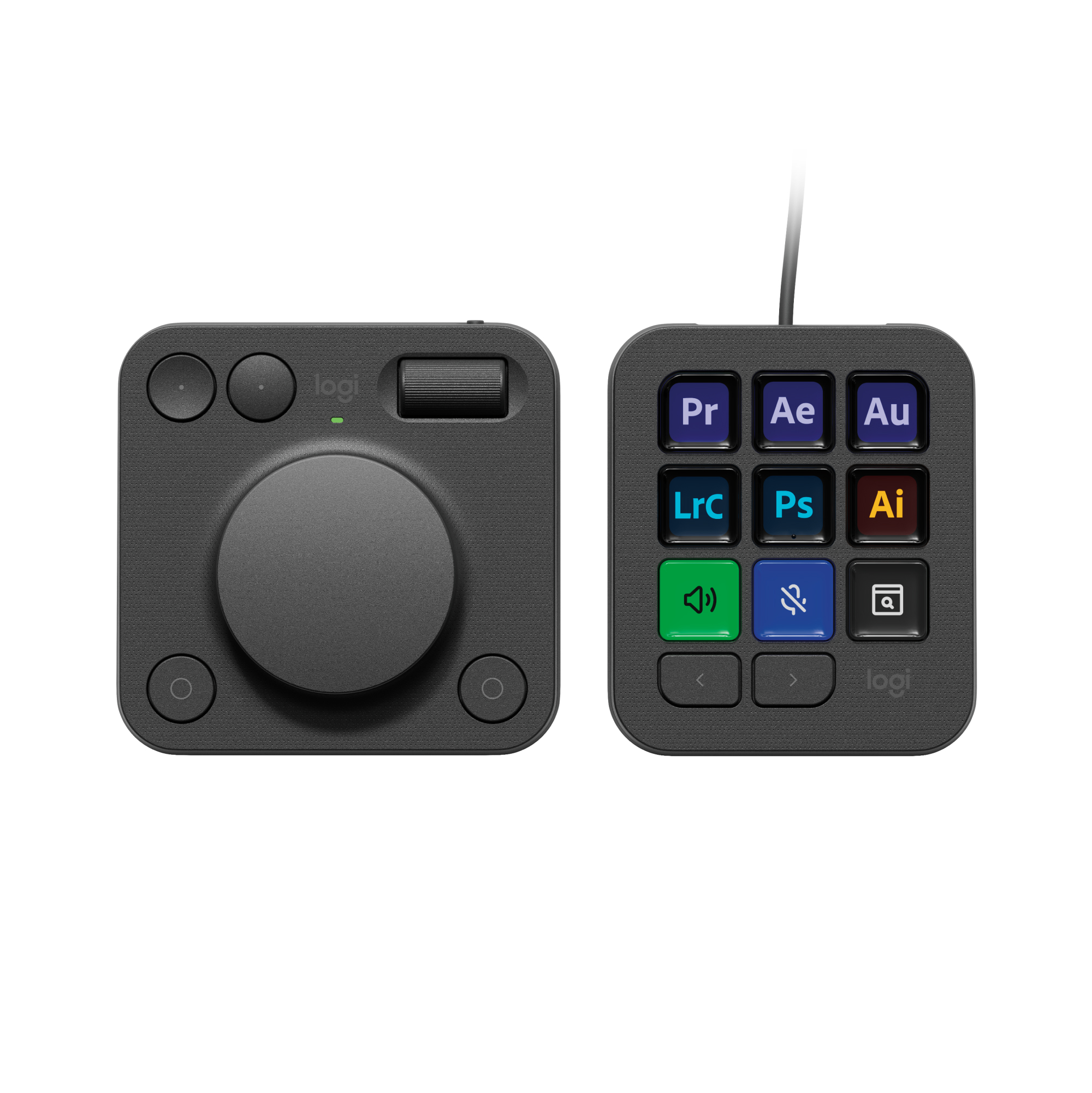
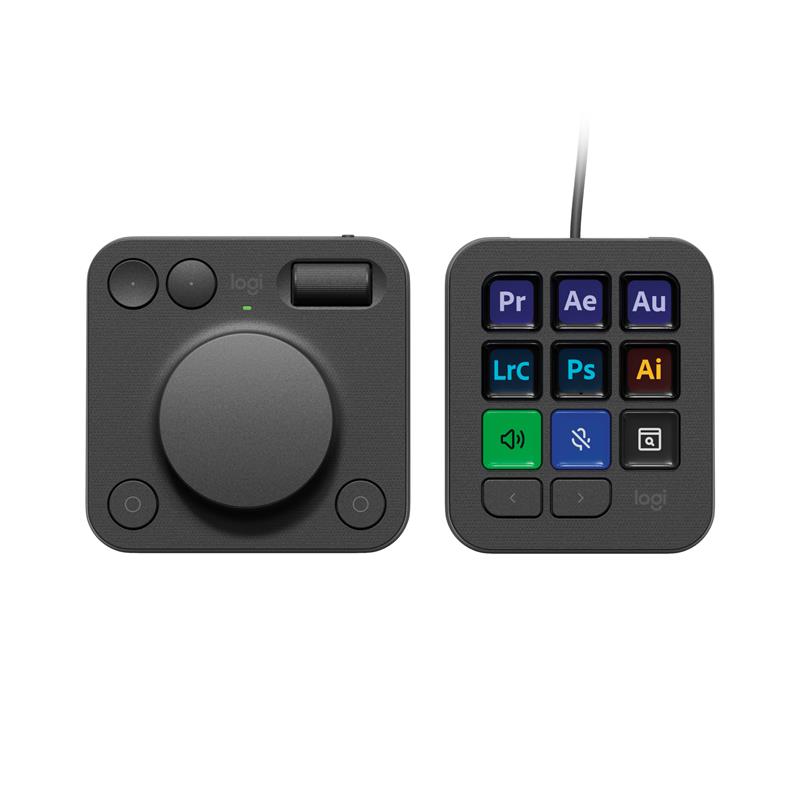
Introducing MX Creative Console, streamline your creative workflow with intuitive and customizable backlit LCD keys and tactile controls for precise adjustments on the dialpad.
MX Creative Console lets you quickly access shortcuts and actions on your favorite apps with recommended profile configurations and adjusts automatically depending on the app you are currently using.
Or customize it to your own workflow in Logi Options+. Set up to 15 keypad pages per app, create shortcuts, and personalize with custom icons.
Feel control and precision with a tactile analog experience that lets you make precise adjustments with an analog aluminum low friction dial and smooth roller.
3-months of Adobe Creative Cloud on us: Pair two of the world’s top creative tools. Buy one MX Creative Console and claim your free 3-month Adobe Creative Cloud membership
Speed Up Your Creative Workflow: The Logitech MX Creative Console lets you quickly access tools and actions on your favourite apps, allowing you to fully focus on your work
App Integrations: Adobe Photoshop, Premiere Pro, Illustrator, Lightroom and Lr Classic, Final Cut Pro, Figma, Davinci Resolve, Spotify, Zoom, and more; quick start with recommended profiles (1)
Tactile Analog Control: Make precise adjustments with the low-friction control dial, navigate with the roller, and access actions with the programmable keypad (stand included for flexible placement)
Customise for Any App: Assign tools and actions to up to 15 keypad pages by profile, dial, and roller, and upload your own icons to the customisable LCD display keys
Discover More on Marketplace: Find a growing library of actions and plugins, recommended profiles, icon packs, and more on the marketplace in the Logi Options+ App (2)
Actions Ready at Your Cursor: The Actions Ring is a customisable digital extension of your console, an on-screen overlay that lets you access tools, shortcuts, actions, and more (2)
Bluetooth and USB-C: Pair the dialpad with Bluetooth and use 2x AAA batteries (included) for up to 18 months of use (3). Connect the keypad with a USB-C to USB-C cable (included)